Google Pay
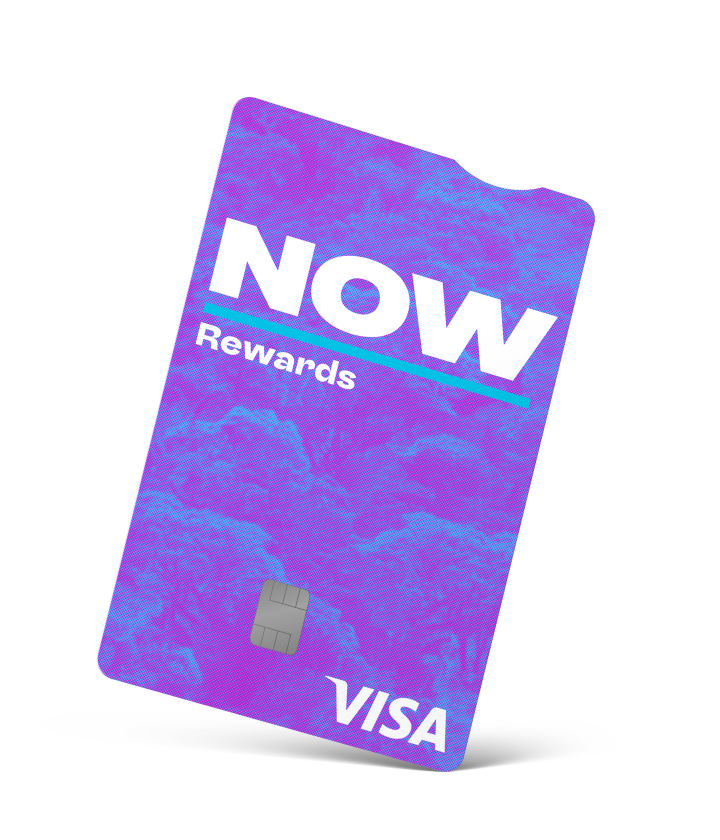
NOW Rewards Visa with Google Pay™
Pay with NOW Rewards Visa the fast, safe and easy way, online and in person, with Google Pay.
How does it work?
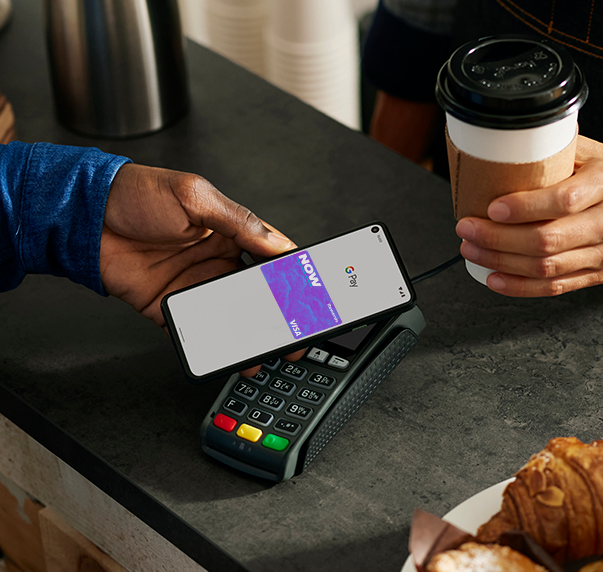
- Simply tap to pay - Pay everywhere contactless payments or Google Pay is accepted
- Speed through checkout online, in-app or on the web - Just look for the Google Pay logo at checkout
- Safe and secure payment - With security built-in to protect you before, during and after every payment, using Google Pay is a safe and secure payment method.
Ready to start? Learn how to add your NOW Rewards Visa to Google Wallet™ below.
Get set up quickly with Google Wallet™
- Tap ‘Add to Wallet’ and follow the instructions
- Verify your card if needed. Then you’re all set!
Questions you might have about Google Wallet
How do I add my card to Google Wallet™?
1. Open or download the Google Wallet app from Google Play Store.
2. Tap the ‘+’ sign to add a card.
3. Use your phone camera to capture your card information or enter it manually.
4. Follow the prompts to complete the details and tap ‘Save’ to confirm that you agree to the Google Terms and Conditions.
5. Read and confirm that you agree to the NOW Rewards Visa Google Pay Terms and Conditions.
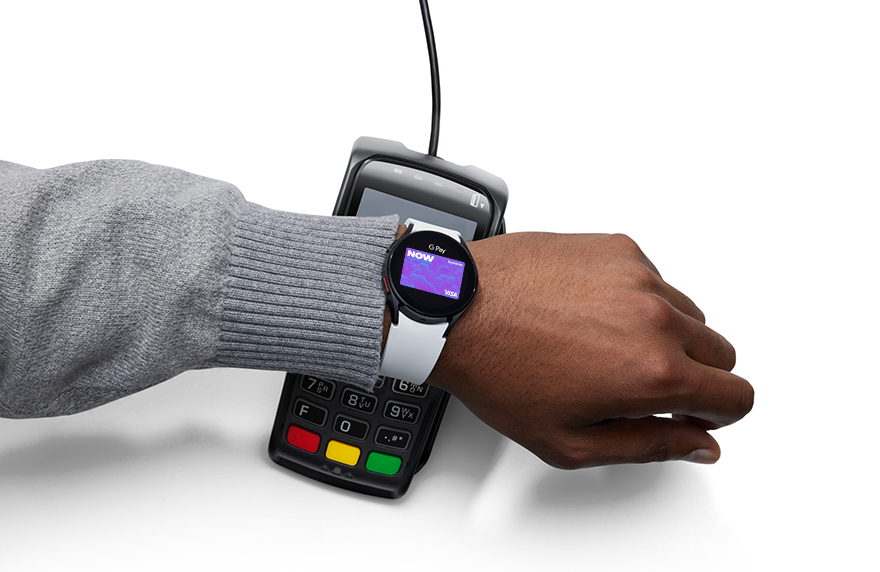
How do I add my card to Google Wallet™ on my watch?
1. Open the Google Wallet app on your smartwatch.
2. Tap ‘Add to Wallet’ and follow the instructions.
3. When prompted, open the Google Wallet app on your paired Device.
4. Follow the instructions, enter your card details, and accept the Terms and Conditions.
5. Verify your card, if required.
6. You’re all set to use your card on your Google Watch.
Do I have to add my card to Google Wallet™?
No, this is an optional benefit to give you added convenience when out and about shopping.
Where can I use Google Pay?
You can use Google Wallet to pay on your phone in store, anywhere contactless is accepted, or anywhere displaying the Google Pay sign.
You can pay online or in-app, anywhere Google Pay is accepted at checkout.
Is Google Pay secure?
Security and privacy are built into every part of Google Wallet to keep all your essentials protected. When you pay, Google Pay will send a Device Account Number to the business, so your card information is never shared.
What if I lose my Device?
You can manage your own Device using Google Find Hub. Marking your Device as lost will block your card in Google Wallet on your Device. When your Device is unlocked, you will be able to use Google Pay again. If you reset and remove the data using Google Find Hub, your card will be removed from your Google Wallet. If you are unable to do this, reach out to our Customer Experience Team for help on 0800 801 808.
What happens if my card is locked?
When your card is locked, your card will be blocked in Google Wallet, and you won’t be able to make transactions. When your card is unlocked, you will be able to use Google Pay again.
What happens if my card is reissued or replaced?
If your card is reissued, it will automatically be updated in Google Pay. You can continue to use your card in your digital wallet (no need to add it again).
If your card has been replaced, it will be automatically updated in Google Pay. Your card will be blocked in your Google Wallet until you receive your new card and activate it. Once you activate it, you can use your card in your digital wallet (no need to add it again).
Your online subscriptions and card on file records will also be updated with your new expiry, where supported by the merchant.
Can Additional Cardholders use Google Pay?
Yes, Additional Cardholders can add their card to Google Wallet.
Can I load the same card on multiple devices?
Yes, however please note that there are limits on the number of devices per card. Your card must not be added to any device that is not owned and operated by you.
Can I use Google Pay overseas?
Yes, cardholders can use Google Pay internationally at all merchants that support contactless payments.
Will the automatic 12 months interest free promotion work when I make transactions with Google Pay?
Yes, cardholders can use Google Pay in all the same ways they can use their physical card, including making automatic 12 months interest free promotion purchases at Participating Retailers.
Google Pay and Google Wallet are trademarks of Google LLC.