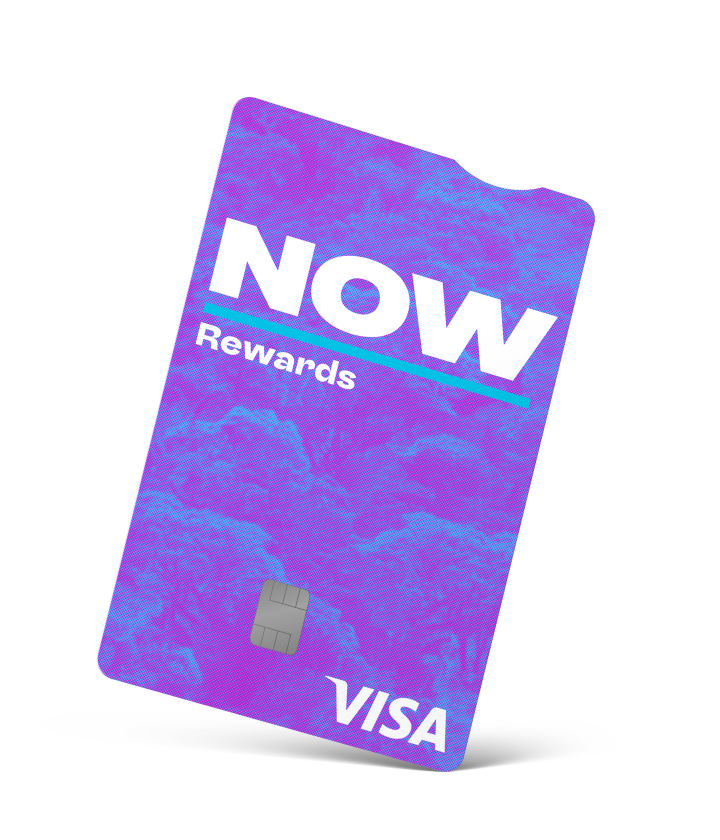
Google Pay is the tap-to-pay wallet built into Android phones. Load your NOW Rewards Visa onto it once, and you can pay with your phone in store, online and in apps, with no card to reach for.
Paying by phone works just like the card: you still earn NOW Dollars, and you still get the automatic 12 months interest free at Noel Leeming, The Warehouse and Warehouse Stationery. Here’s how to set it up.
In this article:
- How do I add my NOW Rewards Visa to Google Wallet?
- Do I still earn NOW Dollars when I pay by phone?
- Why use Google Pay?
- Where can I use Google Pay in NZ?
- Is it safe to keep my card on my phone?
- What happens to my wallet if my card is replaced?
- Troubleshooting: common issues
- Frequently asked questions
How do I add my NOW Rewards Visa to Google Wallet?
Here’s the step-by-step:
-
- Download the Google Wallet app from the Google Play Store. Most Android phones have it already.
- Open the app and tap “Add to Wallet”, then “Payment card”.
- Use your phone camera to scan your card, or type in the card number, expiry date and security code by hand.
- Follow the prompts to complete the details and tap “Save” to confirm that you agree to the Google Terms and Conditions.
- Read and accept the NOW Rewards Visa Google Pay Terms and Conditions.
- Verify it’s you. You may get a one-off code by text or email to confirm.
- Once you’re verified, your card shows in Google Wallet and you’re ready to tap.
Good to know: we’re working on letting you add your card straight from the eMoney app as soon as you’re approved, without needing the card in your hand. We’ll update this guide when that’s live.
And while only main cardholders have the eMoney app, additional cardholders can still add their card to their phone’s wallet.
Coming soon: Apple Pay
Do I still earn NOW Dollars when I pay by phone?
Yes. Paying with your phone is the same as paying with the card, so you still earn NOW Dollars on eligible spend, and the automatic 12 months interest free on eligible purchases at participating retailers still applies.
Why use Google Pay?
Because your phone is usually in your hand already. You can leave the card at home, and there’s nothing to dig out of your wallet at the checkout — it’s quick,secure and one less thing to carry.
Where can I use Google Pay in NZ?
Anywhere you see the contactless (tap-to-pay) symbol: supermarkets, petrol stations, cafes and most shops, plus online and in any app that shows Google Pay at the checkout.
It works overseas too, at any terminal that takes contactless payments. And if you have a smartwatch, you can add your card there and pay from your wrist.
Is it safe to keep my card on my phone?
Yes, and in some ways it’s safer than carrying the physical card. When you pay, Google Pay doesn’t give the shop your real card number; it uses a unique device number instead, and every payment is protected by your phone’s PIN, fingerprint or face unlock.
If your phone goes missing, your card details aren’t sitting on it in a usable form, and you can lock or wipe the phone remotely using Google’s Find Hub (formerly Find My Device). If you report your NOW Rewards Visa lost or stolen and we block it, the digital copy in your wallet is blocked too.
What happens to my wallet if my card is replaced
If your card is reissued, the digital copy in your wallet will be updated. However, if fraud is detected or you report fraudulent activity and request the card to be blocked, you won’t be able to use the card in the wallet until you receive the replacement card and you update your wallet with the new card details.
Troubleshooting: common issues
- A verification code hasn't arrived Give it a minute, check the mobile number and email on your account are current, then request a new code. If it still doesn’t come through, contact us.
- The card won't add. Check the card number, expiry date and security code are right, and that the Google Wallet app and your phone’s software are up to date.
- The tap isn't working at the terminal. Unlock your phone first, make sure tap-to-pay (also called NFC) is switched on, and hold the back of the phone flat against the reader. For larger amounts you may need to confirm with your PIN, fingerprint or face unlock.
- Your card shows as blocked or inactive. If your card was reissued wait until you receive the physical card and you’ve activated it, then update it in your wallet.
Frequently asked questions
For now, yes. You scan or type in the card details to add it. We’re working on letting you add it straight from the eMoney app as soon as you’re approved.
No. It’s the same as paying with your card.
Yes, anywhere contactless payments are accepted.
Use Google’s Find Hub to lock or wipe it. Your card details aren’t stored on the phone in a usable form. If you’re worried your card has been compromised, contact us straight away.
Yes, on their own phone, with their own card.
Digital wallet support is one of the things worth checking when you pick a card. See our guide to choosing a credit card in NZ in 2026.
The information on this website is provided for general information only. Finance Now does not assume any responsibility for giving legal or other professional advice and disclaims any liability arising from the use of the information. If you require legal or other expert advice you should seek assistance from a professional adviser.
About Finance Now
Finance Now is a 100% Kiwi-owned consumer lender, trusted by more than 530,000 New Zealanders. If the NOW Rewards Visa sounds like it might suit, you can find the full rates, fees and how to apply on our product pages. NOW Rewards Visa is issued by SBS Money Limited, which is wholly owned by Finance Now Limited.
Share this article